Market stalls
Keep names and prices on the phone you already carry, then scan as items go out.
For stalls, markets, and small shops
Save prices once, then scan items into a running total. MiniStall keeps a local catalog and clear sales records on your iPhone or iPad.
Who it is for
Use MiniStall when you need a reusable product list and a fast running total—not a full store system.
Keep names and prices on the phone you already carry, then scan as items go out.
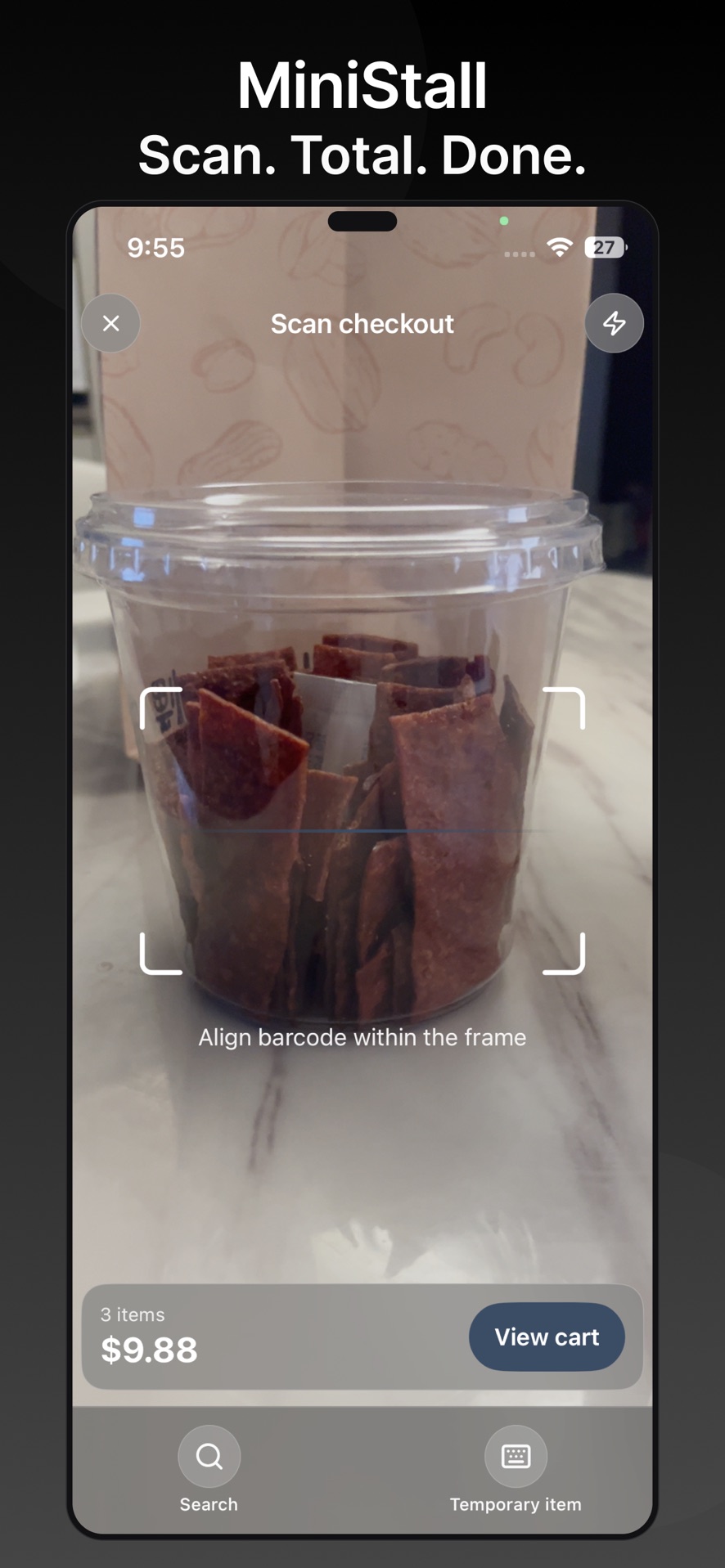
Scan familiar barcodes, add a one-off item when a code is missing, and keep a record of the sale.
Total a sale quickly at a craft fair, popup, or weekend booth without extra hardware.
Print product QR codes with Pro, stick them on unpackaged items, and scan them later.
How it works
Barcodes do not include your price. You store it first, then MiniStall uses it every time you scan.
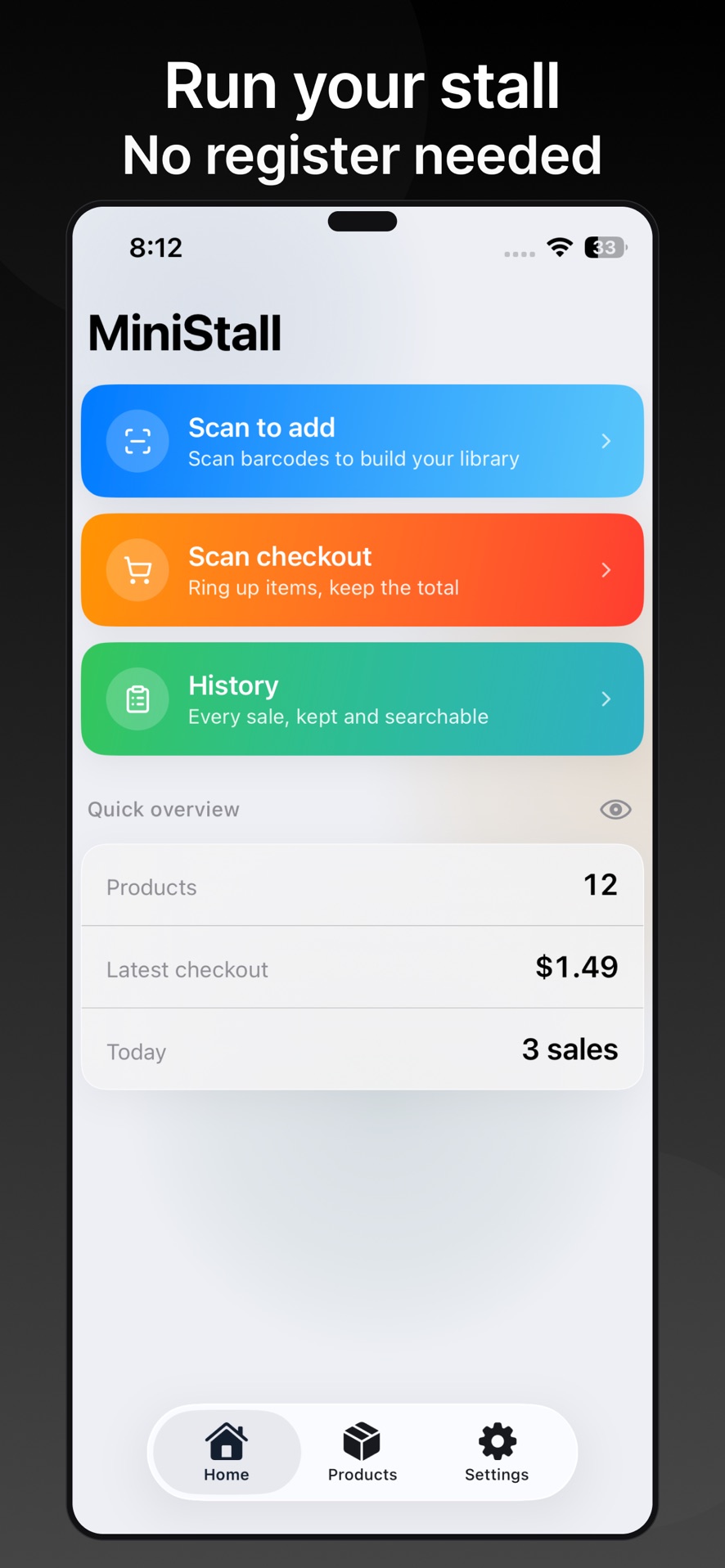
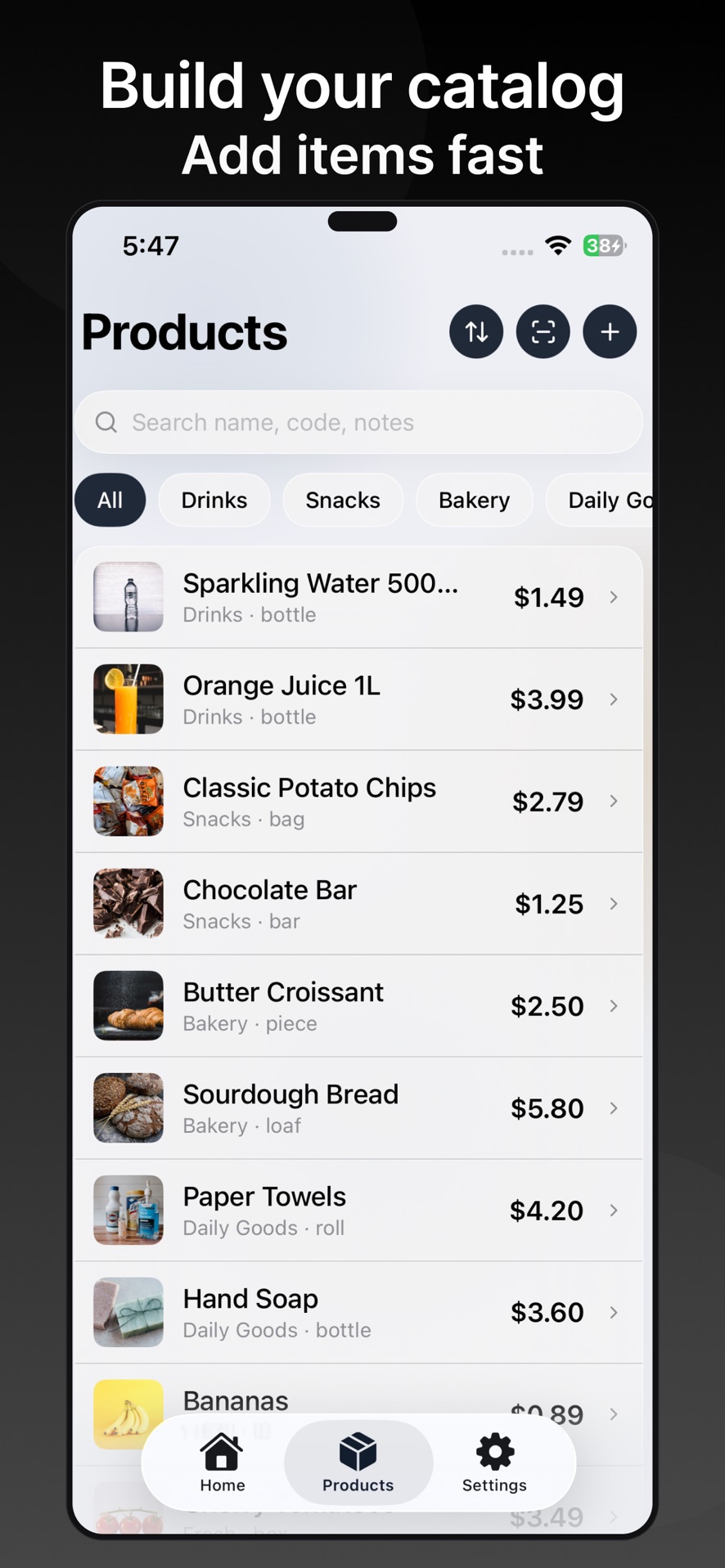
Scan a barcode or QR code, add the name and price, and build a catalog you can reuse.
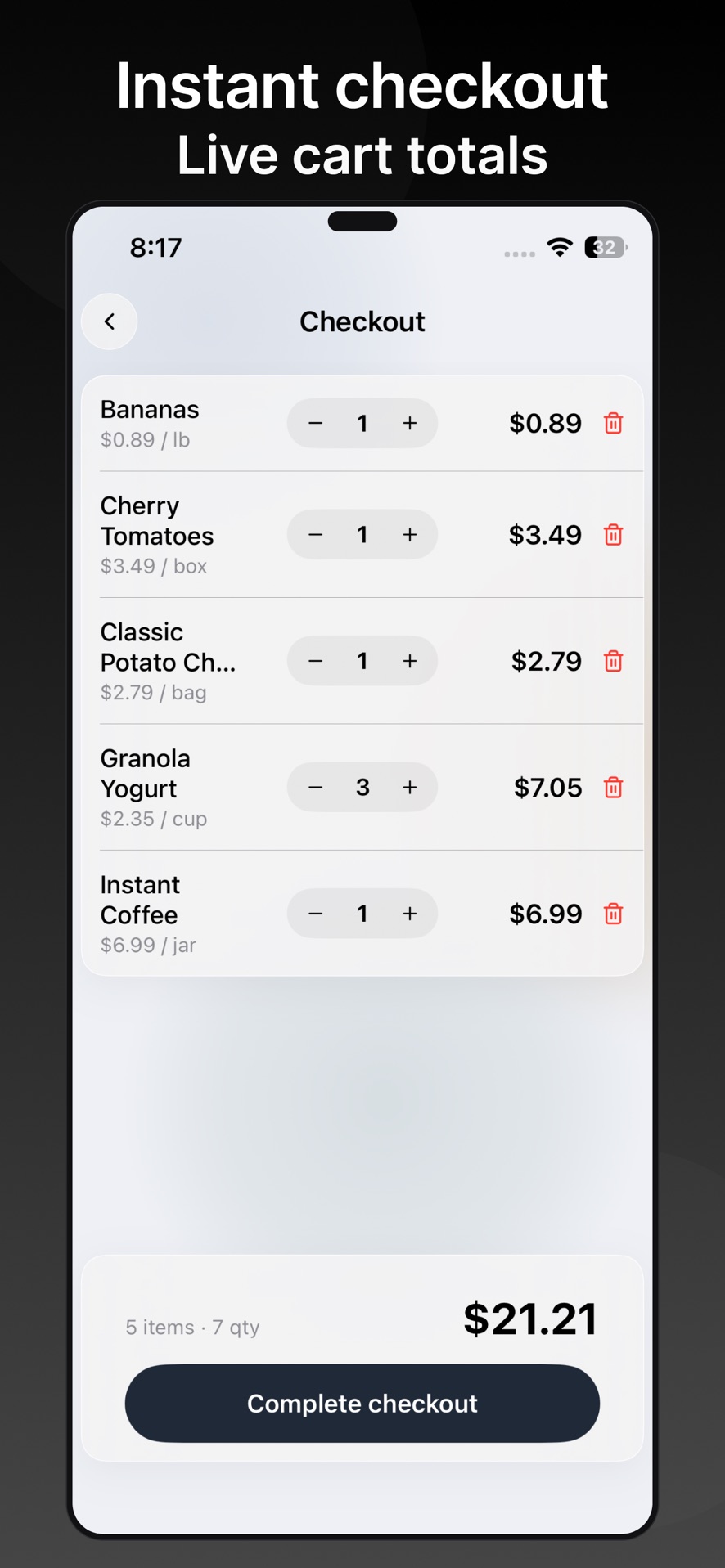
Scan items one after another. Search the catalog or add a temporary item when something is not listed yet.
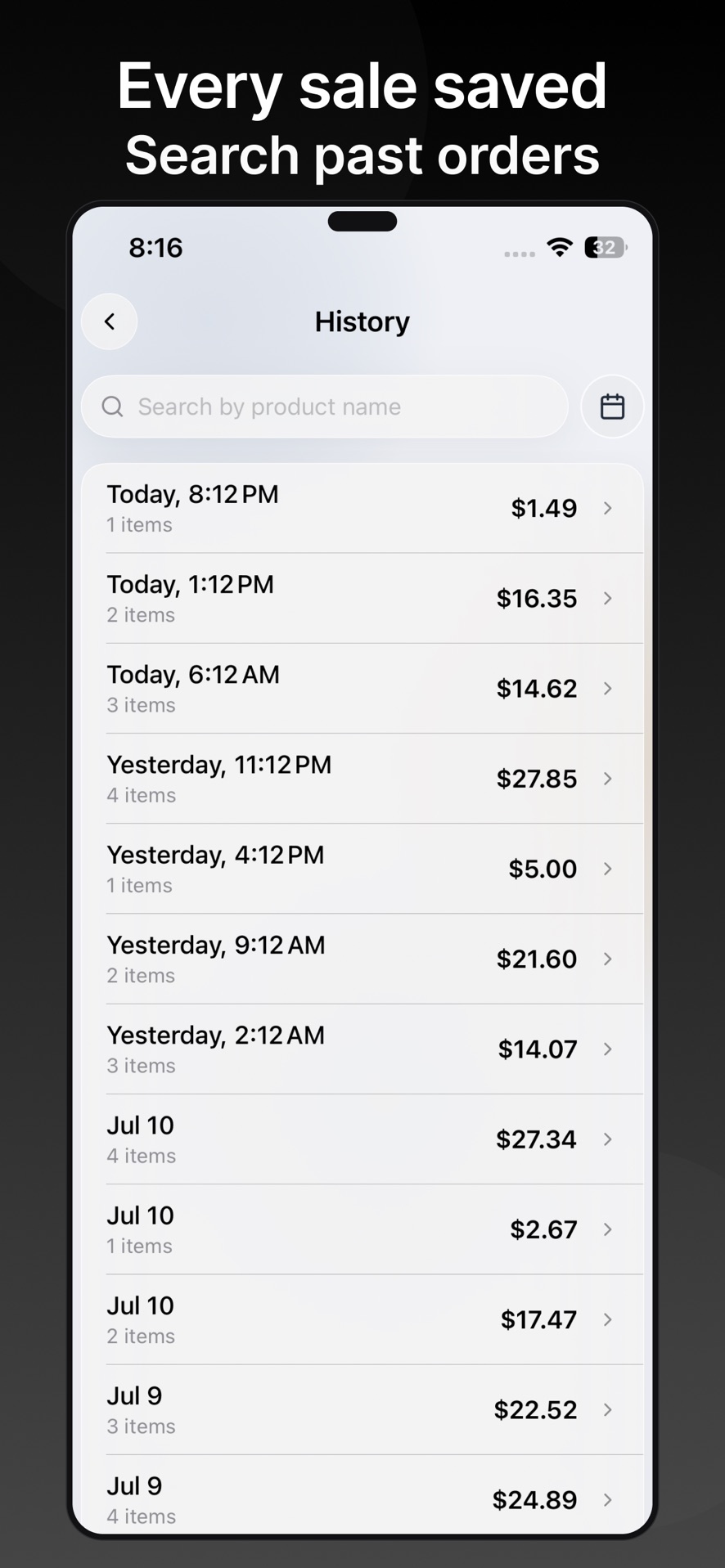
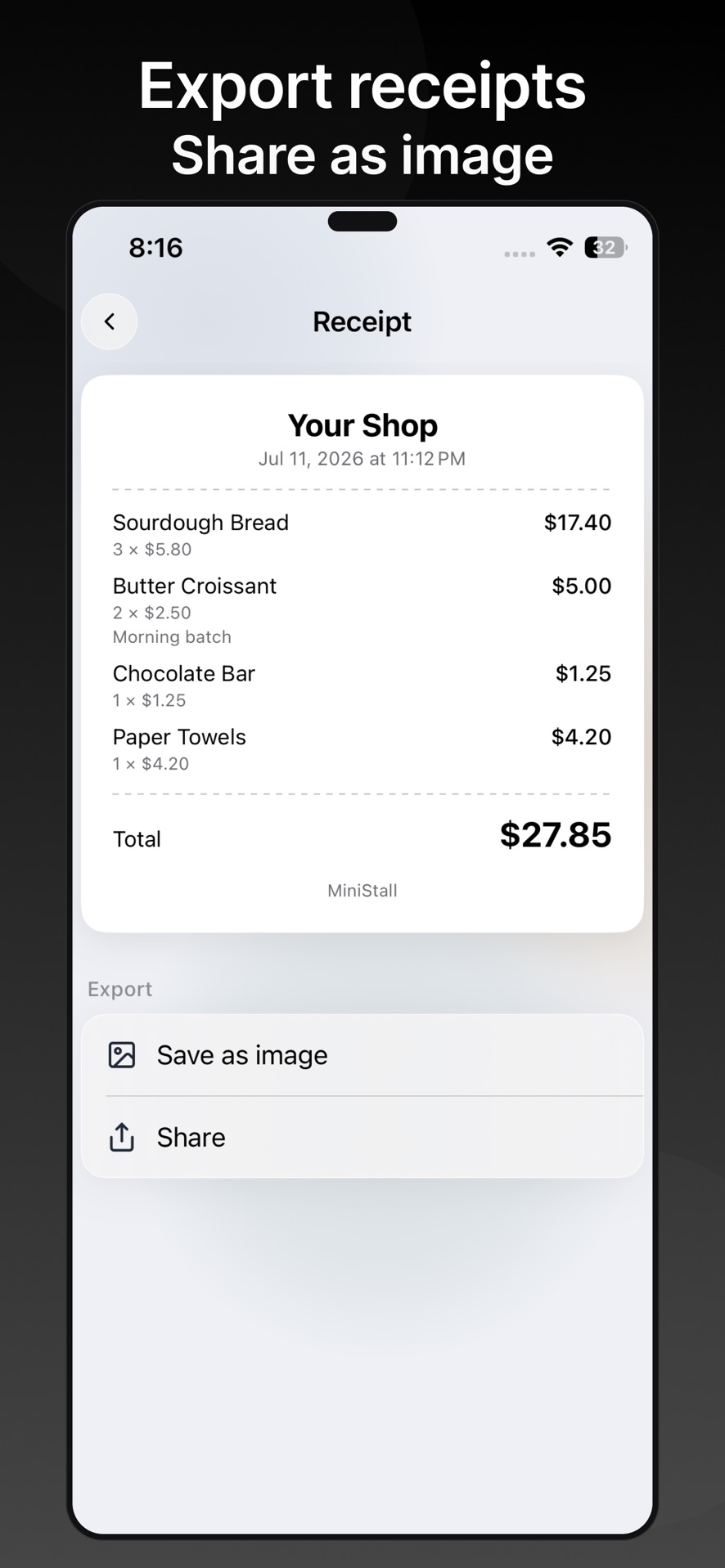
Each sale stores a snapshot, so later edits to products do not rewrite past records.
Features
Start free with a small catalog. Unlock exports, product QR codes, and higher limits with MiniStall Pro.
Add products and total a sale with barcodes and QR codes you already have.
Add a one-off item when a code is missing, without stopping the sale.
Keep names, prices, units, categories, photos, and custom fields together on device.
Settlement snapshots stay intact after you change a product name or price.
Save receipt images and CSV data when you need to share or archive a sale.
Print tags for homemade goods. Optionally sync supported data through your private iCloud account.
Inside the app
Free and Pro
MiniStall Pro is a monthly subscription, an annual subscription, or a one-time lifetime purchase. Apple shows the price before you buy.
| Included | Free | MiniStall Pro |
|---|---|---|
| Product catalog | Up to 10 products | Unlimited products |
| Sales history | Last 30 records | Unlimited history |
| Scan to total | Yes | Yes |
| Temporary items | Yes | Yes |
| Receipt images | — | Yes |
| CSV export | — | Yes |
| Custom fields | — | Yes |
| Product QR codes | — | Yes |
| iCloud Sync | — | Optional |
FAQ
No. MiniStall totals a sale and saves a record. It does not take customer payments, calculate tax, track inventory, or process refunds.
No. You save the name and price once. Later scans use the price you stored.
Add a temporary item for that sale, or create a product QR code with Pro and print it.
On your device. Pro can optionally sync supported data through your private iCloud account on devices signed in with the same Apple Account.
Use iOS Settings → Apple Account → Subscriptions. Refunds are handled by Apple at reportaproblem.apple.com.
Get MiniStall
Download MiniStall on the App Store and keep a catalog and running total in your pocket.